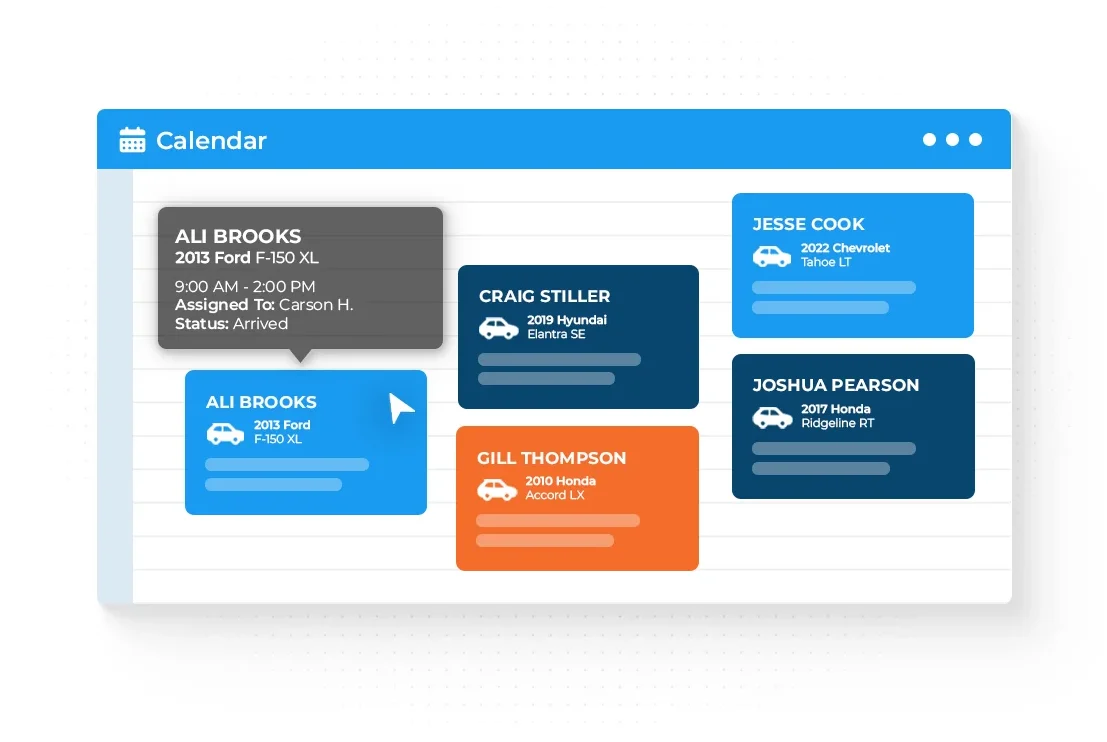
Your Scheduler on Reserve with Google.
Google Booking Button
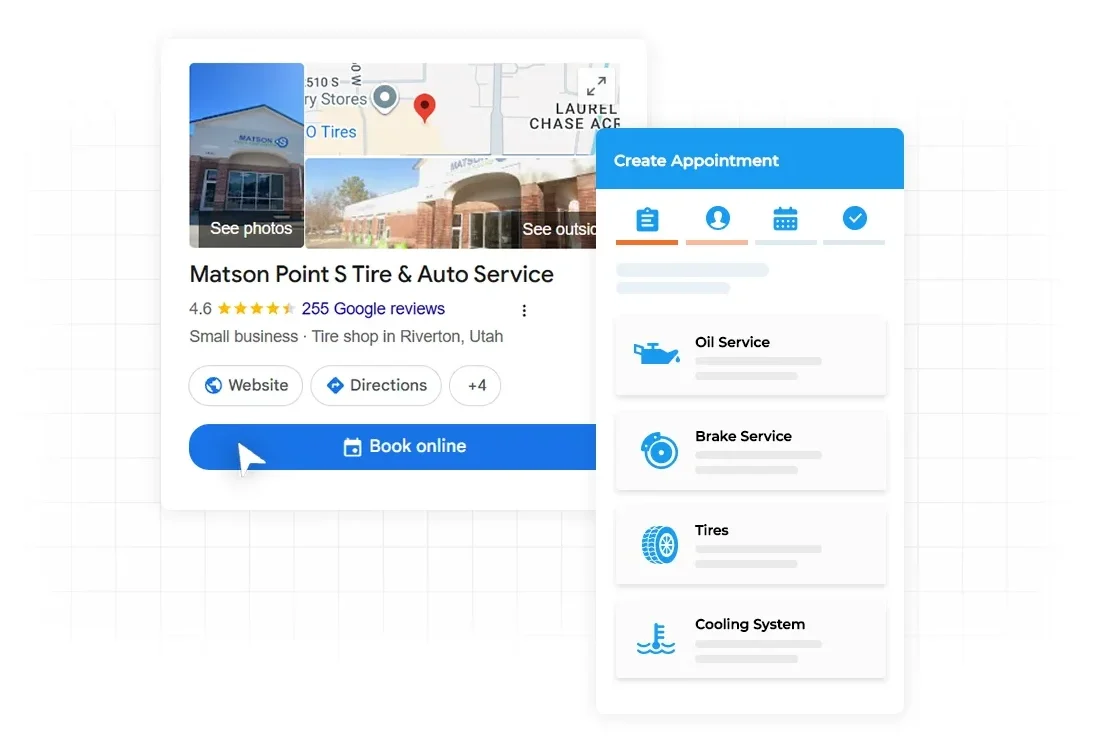
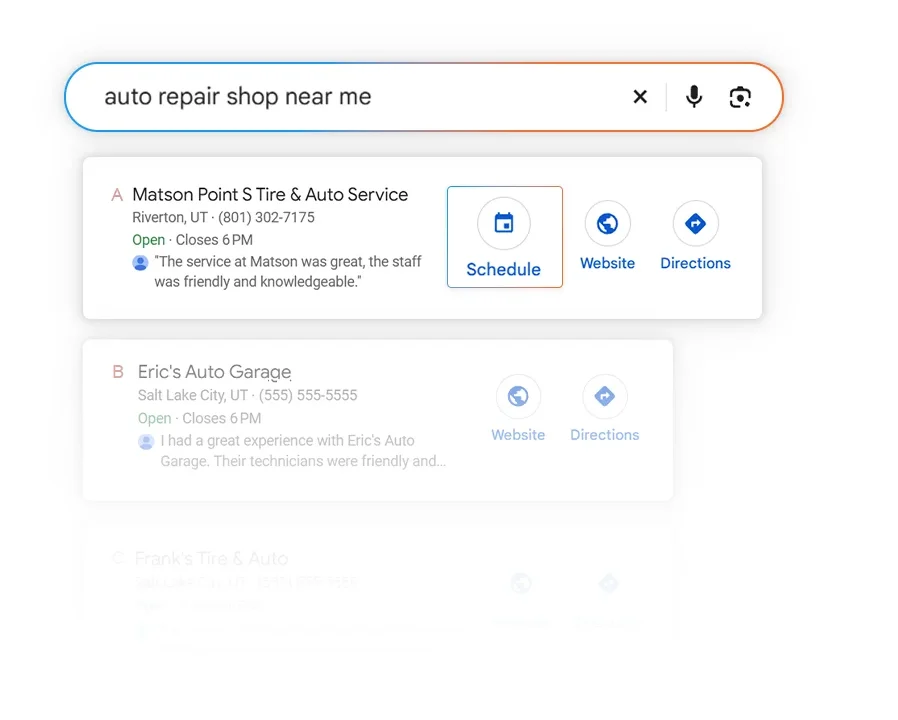
Streamline your customer’s booking journey easier with HiBeam and Reserve with Google. When a driver searches “auto repair near me,” your Google Business Profile is the first thing they see. Make scheduling an appointment as easy as finding your shop with a Reserve with Google button, leading straight to the HiBeam booking tool.
- A “Book” button on your Google Business Profile
- Works in Google Search and Google Maps
- Real-time availability from your shop Appointments sync automatically
- Track bookings that come from Google
Turn Searches Into Scheduled Appointments
Book from search and Maps
Customers who find your shop on Google can book right from your listing.
Capture high-intent customers
Someone looking at your Google listing is ready to act. Give them the fastest possible way to say yes.
Stand out from the shop next door
A booking button makes your listing more useful than competitors who only offer a phone number.